
Passwordless Authentication 2026 Guide for Secure Access
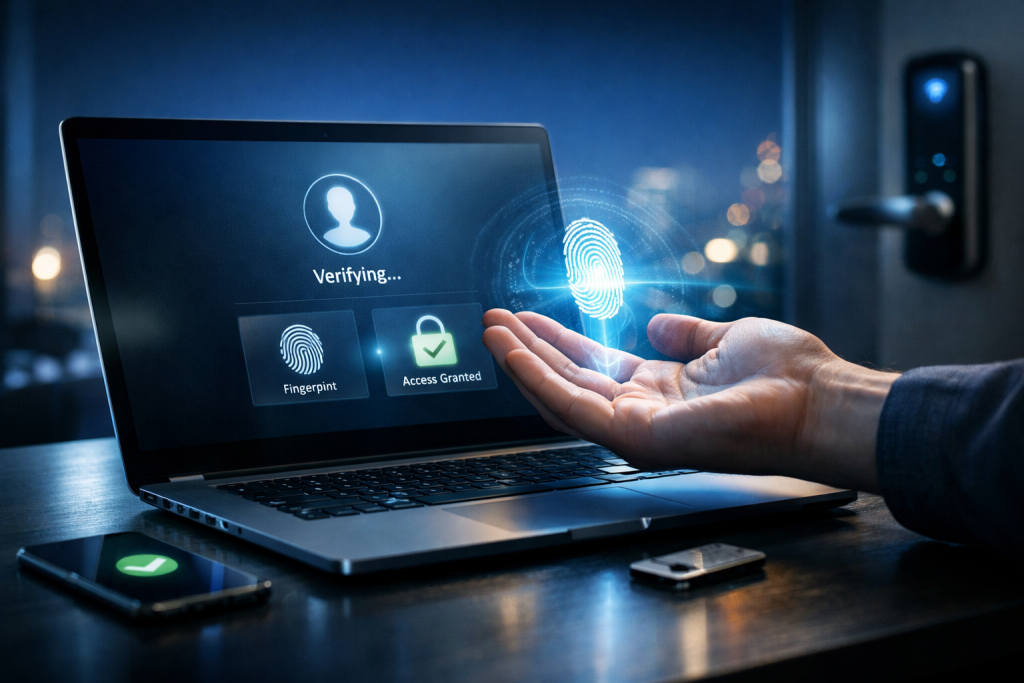
Passwordless authentication is no longer an experimental security trend. In 2026, it is a practical, mature approach for organizations that want stronger protection, fewer account takeovers, and a better user experience across web, mobile, and enterprise systems. This passwordless authentication 2026 guide explains what passwordless really means, how it works, what options are available, and how to deploy it safely without creating new security gaps.
Many teams adopt passwordless for the wrong reason: convenience. The real driver in 2026 is risk reduction. Passwords remain the easiest attack surface for phishing, credential stuffing, and reuse across multiple services, and attackers keep getting faster at exploiting them.
What Passwordless Authentication Means in 2026
Passwordless authentication means a user can log in without entering a memorized secret such as a password or PIN that the server stores (even in hashed form). Instead, the login is proven through possession, biometrics, or cryptographic keys. The most common modern implementation is based on FIDO2 and passkeys.
In 2026, passwordless is not a single technology. It is a family of authentication methods, each with different security and usability tradeoffs. The goal is to remove passwords as the primary credential while keeping identity verification strong.
It is important to separate “passwordless” from “password reset reduction.” Some systems still keep a password in the background as a fallback, which can quietly reintroduce the same old risks. A true passwordless rollout treats fallback paths as a critical security design problem.
Core Technologies: Passkeys, FIDO2, and Device-Bound Credentials
The dominant standard for passwordless access in 2026 is FIDO2, typically delivered through passkeys. A passkey is a public-key credential stored securely on a device and used to authenticate a user via cryptographic challenge-response. The server stores only the public key, which is useless to attackers without the private key.
Passkeys are powerful because they are phishing-resistant when implemented correctly. Even if a user is tricked into visiting a fake site, the passkey will not authenticate to the wrong domain. This is a structural advantage that passwords and OTP codes cannot replicate.
Modern passkeys are also designed for cross-device use. Users can sync passkeys across their ecosystem (for example, phone to laptop) while keeping the private key protected by hardware security modules. In enterprise settings, organizations often prefer device-bound keys for higher assurance, especially for privileged accounts.
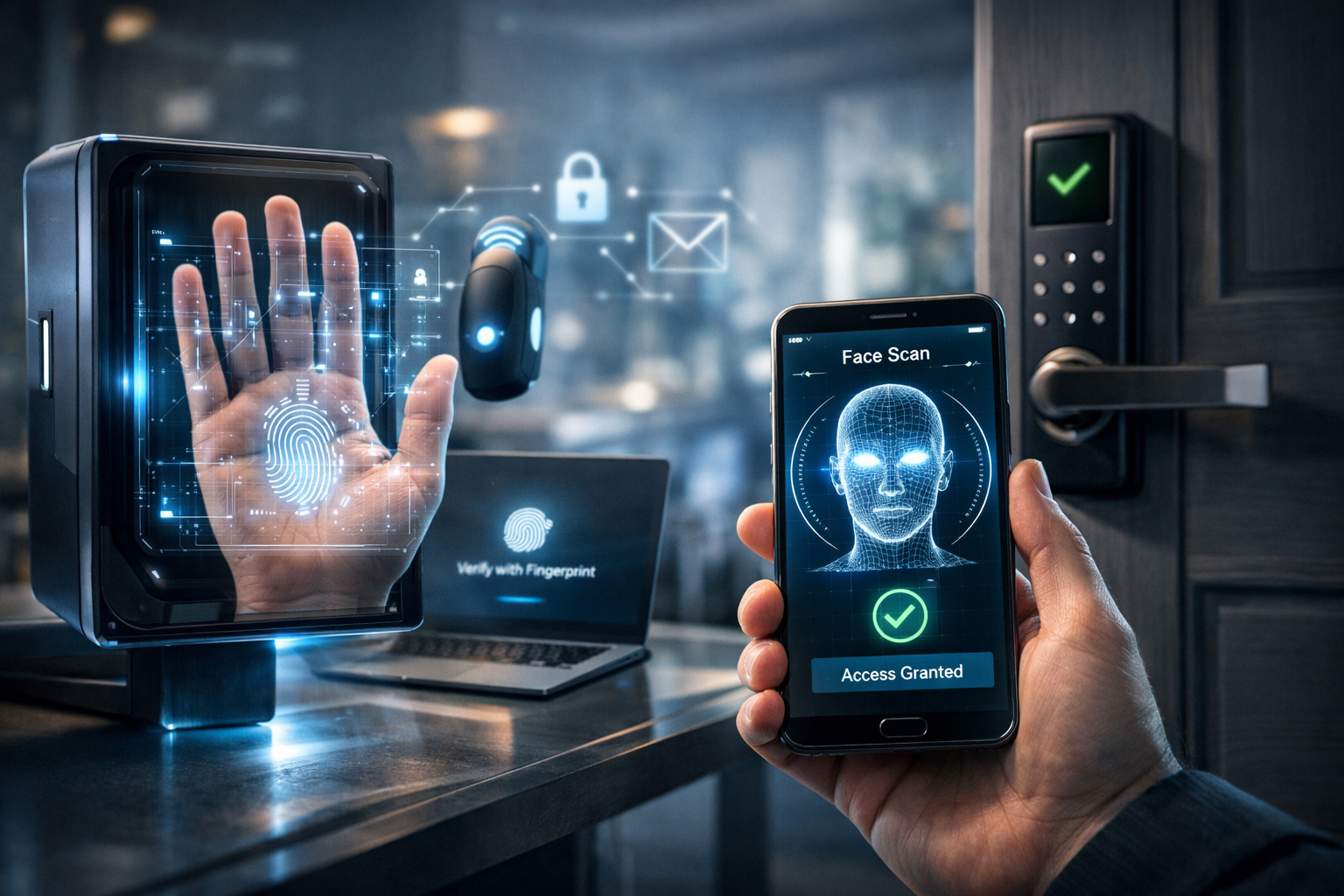
Biometrics such as Face ID or fingerprint scanning are not the credential themselves. They are a local unlock mechanism that allows the device to use the cryptographic key. This matters because biometrics never need to leave the device, reducing privacy and breach concerns.
Why Organizations Are Moving Passwordless Faster Than Before
The security case is simple: passwords are cheap to attack and expensive to defend. In 2026, credential stuffing remains one of the most common causes of account compromise, especially for consumer apps and SaaS platforms. Passwordless makes that entire attack category dramatically less effective.
Phishing is another major driver. Attackers no longer rely on basic fake login pages; they use real-time proxy phishing, MFA fatigue attacks, and social engineering at scale. Passwordless methods like passkeys reduce these threats because there is no reusable secret to steal.
Operational costs are also a serious factor. Help desks spend a large portion of time on password resets, lockouts, and MFA troubleshooting. Moving to passwordless reduces ticket volume and shortens onboarding time for new users.
User experience has become a strategic requirement. In high-competition markets, login friction directly affects conversion rates and retention. A strong passwordless authentication 2026 guide must acknowledge that security and usability are not enemies; passwordless is one of the few solutions that improves both.
Choosing the Right Passwordless Method for Your Use Case
Not every passwordless method offers the same level of security. In 2026, the most reliable approach for high-risk systems is passkeys with FIDO2, especially when combined with device attestation and strong account recovery.
Email magic links are still widely used because they are easy to deploy. However, they are only as secure as the user’s email account. If an attacker compromises email, they can often access everything else. Magic links also introduce risks like link forwarding, mailbox sync across devices, and session hijacking if the link is intercepted.
SMS-based login codes are often incorrectly labeled “passwordless.” They are not a strong authentication factor because SIM swap attacks, SMS interception, and telecom-level vulnerabilities remain common. In 2026, SMS should be treated as a low-assurance fallback only, not a primary login method.
Authenticator apps can be part of a passwordless strategy, but they are not always phishing-resistant. Time-based OTP codes can still be stolen via real-time phishing. Push approvals can be abused via MFA fatigue. If you use app-based authentication, prefer cryptographic challenge methods rather than shared secrets.
For enterprises, smart cards, hardware security keys, and platform authenticators remain essential for privileged access. These methods provide strong assurance, especially when policies require device compliance, secure boot, and managed endpoints.
Deployment Strategy: How to Roll Out Passwordless Without Breaking Security
A passwordless rollout fails when teams treat it like a UI change. It is an identity system change, and it must be deployed with clear phases, strict controls, and measurable outcomes. The most reliable approach is staged adoption with strong monitoring.
Start by identifying account types and risk tiers. Privileged accounts, finance roles, and administrator access should move first, because they have the highest security benefit. Consumer accounts can follow, but the recovery design must be ready before scaling.
Account recovery is the most overlooked part of passwordless. If users lose a device, change phones, or reinstall apps, recovery becomes the new attack surface. In 2026, attackers increasingly target recovery workflows, not login pages, because recovery is often weaker.
Strong recovery options include verified device re-enrollment, identity proofing for high-risk cases, and recovery keys that are protected like financial assets. Weak recovery options include email-only recovery, SMS-only recovery, and “security questions,” which are effectively public information.
Session management must be redesigned for passwordless systems. Many organizations migrate login but keep old session durations, token refresh policies, and device trust rules. This creates a false sense of security. Passwordless reduces credential theft, but it does not eliminate malware, token theft, or session replay attacks.
A good passwordless authentication 2026 guide also emphasizes telemetry. Track suspicious logins, device changes, recovery attempts, and anomalous behavior. If you cannot measure it, you cannot defend it.
Security Best Practices and Common Mistakes in 2026
The biggest mistake is keeping passwords as an equal fallback. If a user can still log in with a password, attackers will target the password path. Passwordless becomes a cosmetic feature instead of a security control. If you must keep passwords temporarily, reduce their scope and enforce strict step-up authentication.
Another mistake is trusting OTP codes too much. OTP is better than password-only, but it is not phishing-resistant. In 2026, attackers automate OTP theft and use session proxies to bypass it in real time. If your threat model includes phishing, OTP is not enough.
Device trust is also frequently misconfigured. Many systems accept any device passkey without verifying device integrity. For higher security, organizations should use managed device policies, device attestation where available, and risk-based authentication.
User education still matters, but it should not be the main defense. A modern authentication system should be resilient even when users are tired, distracted, or non-technical. Passwordless helps because it removes the most error-prone step: typing a reusable secret.
A final mistake is ignoring legacy integrations. Many older systems depend on passwords, LDAP binds, or basic authentication headers. In 2026, successful adoption often requires modern identity providers, federation (OIDC/SAML), and token-based service-to-service authentication. Passwordless for humans is only half the job if backend systems still rely on shared secrets.
Conclusion
Passwordless authentication in 2026 is a mature, practical security upgrade that reduces phishing risk, credential stuffing, and operational costs while improving user experience. The strongest approach is FIDO2 passkeys with carefully designed account recovery and session management. This passwordless authentication 2026 guide should be treated as a blueprint: remove passwords as the primary credential, harden recovery, and measure security outcomes continuously.
FAQ
Q: What is the best passwordless method in 2026 for most organizations? A: Passkeys based on FIDO2 are the most secure and widely supported option because they are phishing-resistant and do not rely on shared secrets.
Q: Are email magic links considered secure passwordless authentication? A: They can be acceptable for low-risk accounts, but security depends heavily on the user’s email account and recovery controls.
Q: Is SMS login considered passwordless and safe in 2026? A: It is technically passwordless, but it is not high-security due to SIM swap and interception risks.
Q: What is the biggest security risk after switching to passwordless? A: Weak account recovery flows become the main target, especially if recovery relies only on email or SMS.
Q: Do passkeys replace MFA completely? A: Passkeys often provide MFA-level assurance, but high-risk systems may still require step-up authentication or device compliance checks.