
Proven Methods to Protect Against Phishing Attacks Today
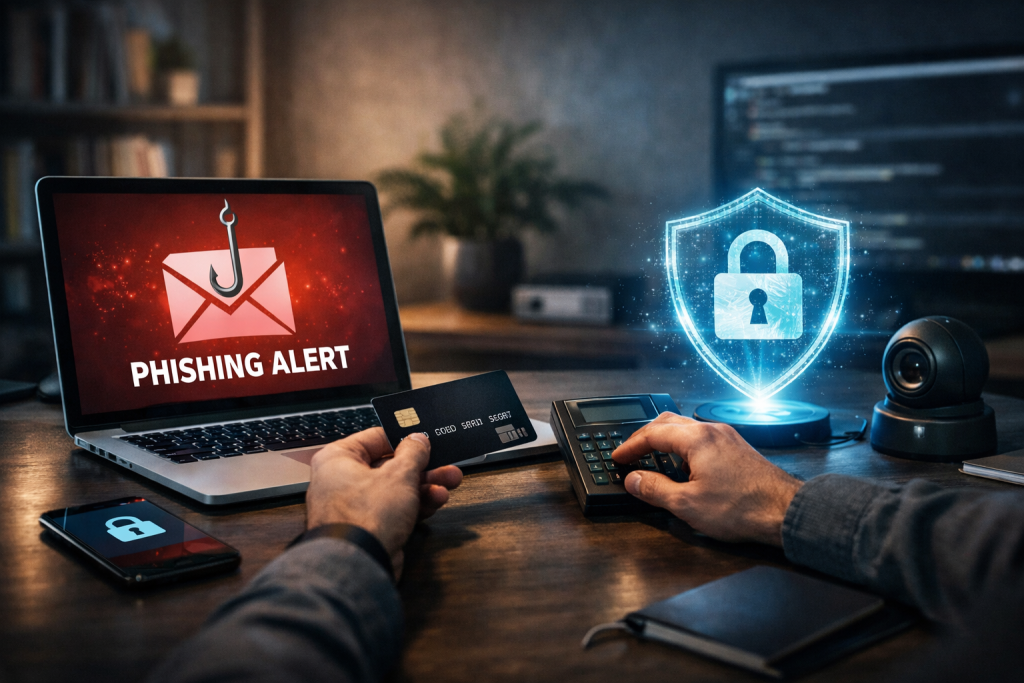
Phishing attacks have evolved into one of the most persistent and damaging cyber threats facing individuals and businesses today. From fake emails and cloned websites to SMS scams and social media impersonations, attackers continuously refine their tactics. If you are searching for reliable methods to protect against phishing attacks, the good news is that practical, proven strategies exist—and they work when applied consistently.
This guide outlines clear, actionable steps you can implement immediately to reduce risk, safeguard sensitive data, and build long-term digital resilience.
Understand How Phishing Attacks Really Work
Before applying effective methods to protect against phishing attacks, it is essential to understand how these scams operate. Phishing relies on social engineering, where attackers manipulate emotions such as urgency, fear, or curiosity to trick victims into revealing sensitive information.
Most phishing attempts arrive through email, but they also appear in text messages (smishing), phone calls (vishing), and fake login pages. Attackers often impersonate trusted brands like Microsoft, Amazon, or PayPal to increase credibility.
Common red flags include suspicious sender addresses, generic greetings, unexpected attachments, and urgent requests to “verify your account.” By recognizing these signs early, you reduce the chance of falling victim.
Understanding attacker psychology is just as important as spotting technical clues. Phishing works because it targets human behavior, not just software vulnerabilities.
Strengthen Authentication with Multi-Factor Security
One of the most effective methods to protect against phishing attacks is implementing Multi-Factor Authentication (MFA). MFA requires users to verify their identity using two or more factors—typically a password plus a one-time code, biometric scan, or authentication app.
Even if a phishing attacker steals your password, MFA can block unauthorized access. This significantly reduces account takeover risks, especially for financial, corporate, and email accounts.
Use authenticator apps rather than SMS-based codes whenever possible. SMS can be vulnerable to SIM-swapping attacks, whereas app-based authentication provides stronger protection.
In addition, adopt a password manager to generate and store complex, unique passwords. Weak or reused passwords make phishing attacks far more damaging.
Train Users to Recognize and Report Phishing Attempts
Technology alone cannot stop phishing. Human awareness remains one of the most powerful methods to protect against phishing attacks. Whether you are an individual or managing a team, education is critical.
Regular cybersecurity awareness training helps people identify suspicious links, attachments, and unusual requests. Employees should understand that legitimate companies rarely ask for passwords via email.
Simulated phishing exercises can reinforce learning. These tests reveal how users respond to realistic phishing scenarios and highlight areas that need improvement.
Encourage a “verify before you click” culture. If someone receives a suspicious message claiming to be from Google or Apple, they should visit the official website directly instead of clicking the embedded link.
Most importantly, create a clear reporting process. The faster a phishing attempt is reported, the faster it can be contained.
Secure Email Systems and Web Browsing
Technical safeguards provide another strong layer of defense. Modern email security solutions use spam filters, link analysis, and attachment scanning to detect malicious content before it reaches users.
Enable advanced phishing protection in your email platform. Many services automatically flag suspicious messages or warn users when external emails mimic internal domains.
Web filtering tools can also block access to known malicious websites. These systems rely on updated threat intelligence databases to prevent users from visiting phishing pages.
Always check URLs carefully. Hover over links before clicking, and verify that websites use HTTPS encryption. However, remember that HTTPS alone does not guarantee legitimacy—attackers can also secure fake sites.
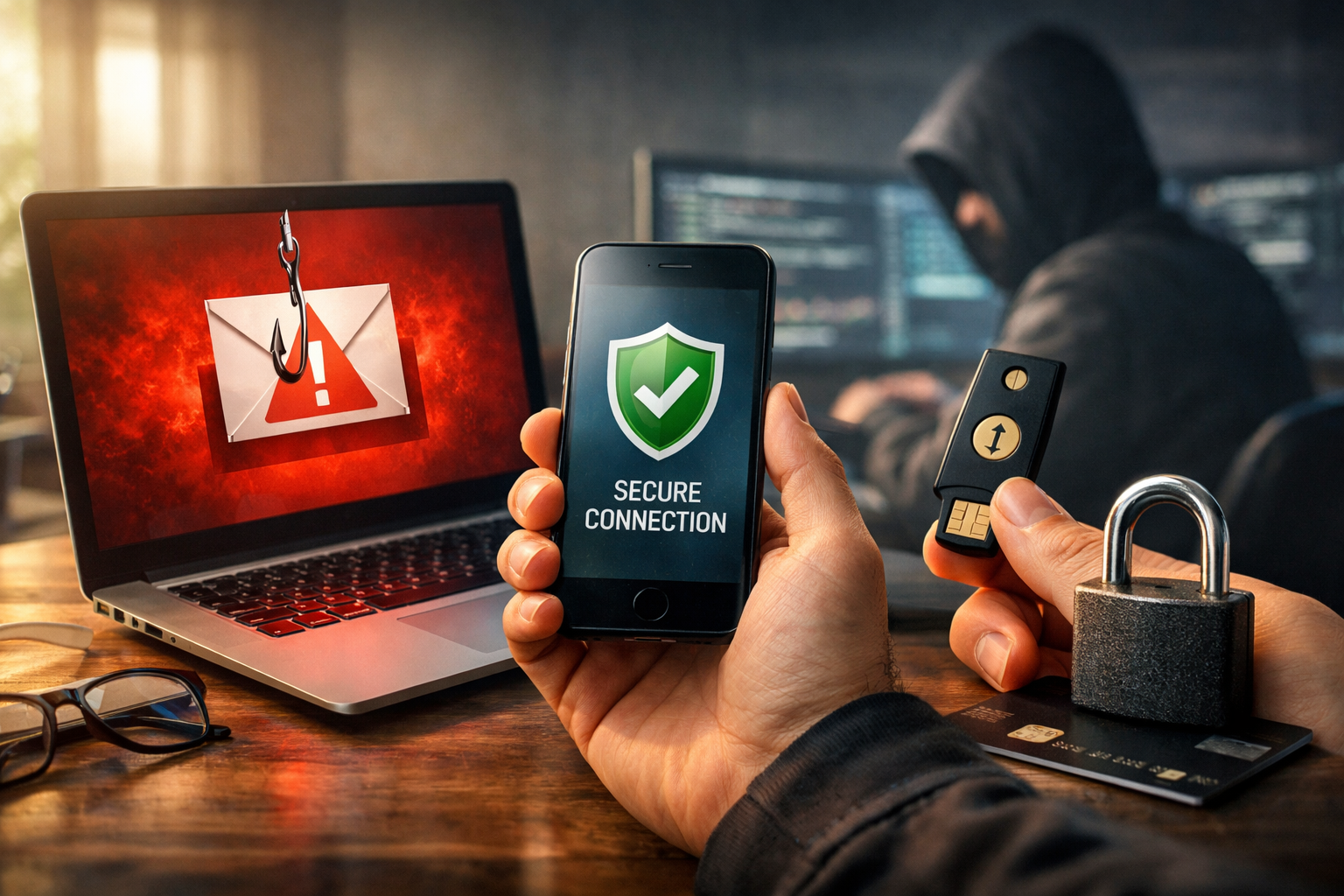
Keeping browsers and operating systems updated is another overlooked yet vital method. Security patches fix vulnerabilities that attackers exploit.
Protect Sensitive Data with Smart Policies
Limiting access to sensitive data reduces the damage phishing can cause. Apply the principle of least privilege, ensuring users only access information necessary for their role.
Regularly review permissions and remove access for former employees immediately. Compromised accounts become less dangerous when their privileges are restricted.
Data loss prevention (DLP) tools can monitor and block unauthorized transfers of confidential information. These systems detect suspicious behavior, such as large data exports or unusual login locations.
Additionally, establish clear policies for handling financial transactions. Require dual approval for wire transfers or payment changes to prevent business email compromise (BEC) scams.
Strong internal controls are among the most overlooked methods to protect against phishing attacks, yet they are highly effective.
Respond Quickly When a Phishing Attempt Occurs
Even with strong defenses, no system is completely immune. That is why incident response planning is essential.
If you suspect a phishing attack, change affected passwords immediately and revoke active sessions. Notify your IT or security team so they can investigate further.
Scan devices for malware if malicious attachments were opened. Early detection minimizes long-term damage.
For businesses, document the incident and analyze how it bypassed existing defenses. Continuous improvement strengthens your overall security posture.
Preparedness ensures that a single mistake does not escalate into a major breach.
Conclusion
Phishing attacks continue to evolve, but proven methods to protect against phishing attacks remain highly effective when implemented together. By combining user education, multi-factor authentication, secure email systems, strong data policies, and rapid incident response, you significantly reduce both risk and impact. Cybersecurity is not a one-time fix—it is an ongoing commitment to vigilance and proactive protection.
FAQ
Q: What is the most effective method to protect against phishing attacks? A: Multi-Factor Authentication (MFA) is one of the most effective defenses because it prevents account access even if passwords are stolen.
Q: How can I tell if an email is a phishing attempt? A: Look for suspicious sender addresses, urgent language, unexpected attachments, and links that do not match official website domains.
Q: Are small businesses at risk of phishing attacks? A: Yes, small businesses are frequent targets because attackers assume they have weaker security controls.
Q: Can antivirus software stop phishing attacks completely? A: No, antivirus helps but cannot block all phishing attempts, especially those relying on social engineering rather than malware.
Q: What should I do if I clicked on a phishing link? A: Change your passwords immediately, enable MFA if not already active, and scan your device for malware to reduce potential damage.